
How to Search for a Warrant in Oconee County
No one public portal searches every Oconee warrant. The Judicial Branch Oconee page links the trial-court public index and court rosters. Traffic cases may be searchable or payable through the state’s county and municipality selector after the ticket posts. A Seneca Police PDF covers only current warrants held by SPD. For other city matters, call the municipal court listed on the ticket.
Use the exact case or ticket number, your full legal name, and date of birth when speaking with a clerk. Then ask whether a warrant is active, whether it has been served or recalled, and what the court requires next. Do not treat a blank screen as a final answer.
- Open the Oconee public index or the state traffic payment route for an eligible citation.
- Check the court printed on the ticket: county magistrate, municipal court, General Sessions, or Family Court.
- Use the Seneca PDF only for its SPD-held list; call Communications to confirm a possible match.
- Ask OCSO about service or custody records, not a full countywide warrant search.
- For a document, send a narrow written FOIA request to the office that holds it.
Oconee County Warrant Search Starts With the Case
The Oconee public index is linked from the Judicial Branch courthouse page. The endpoint may need browser cookies and JavaScript; an automated text fetch did not expose its live fields. If the public index will not load, call the listed court rather than moving to an unrelated criminal-history site.
The courthouse directory shows the separate clerk, magistrate, and municipal routes. Open the Oconee court contact panel. 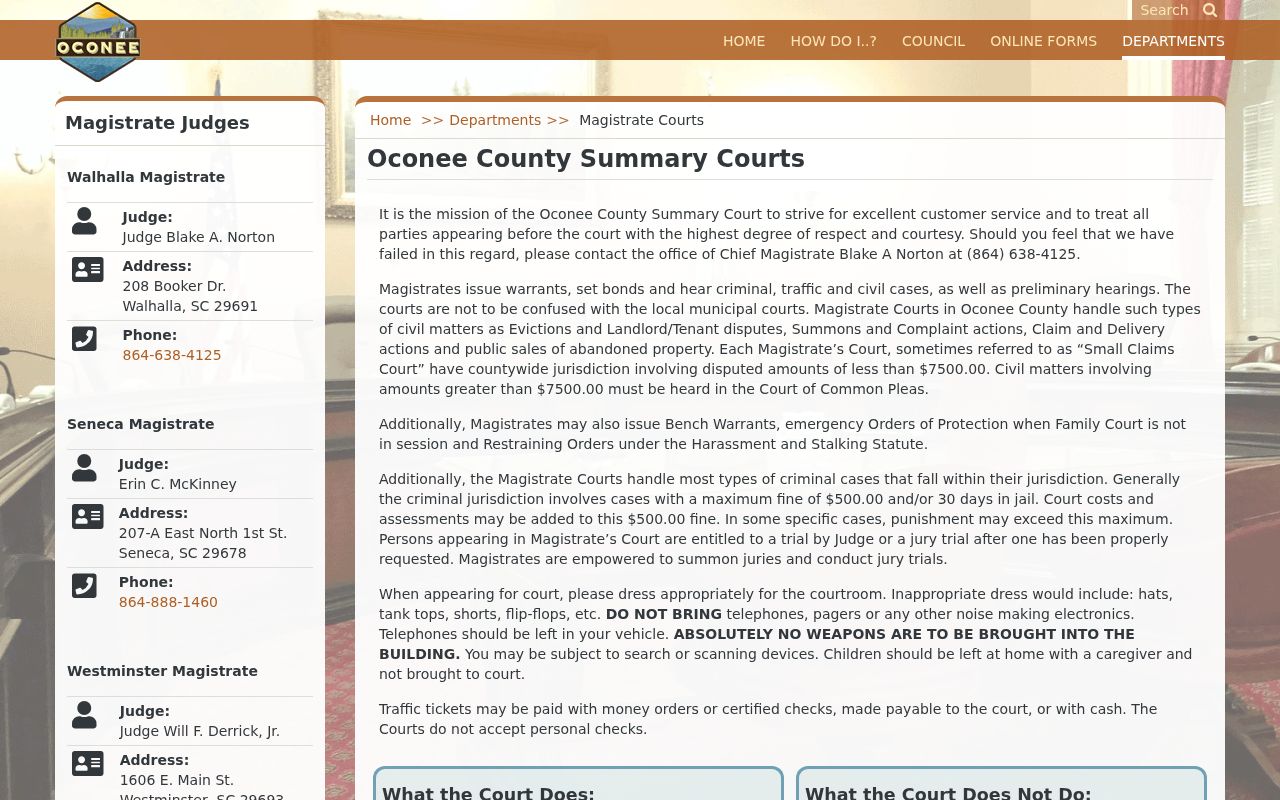 A directory helps identify the holder; it does not certify warrant status.
Oconee County Warrant Search Fields
Oconee’s countywide sheriff warrant-search form was not located, so there is no verified set of name or birth-date filters to describe. The public channels expose different controls. The table separates documented inputs from interfaces whose live fields were not captured.
| Field Label | Type | Required | Notes |
|---|---|---|---|
| SC traffic tool | Case/ticket number and last name | Documented inputs | Ticket and case number are the same; enter no spaces. |
| Traffic venue | County or municipality selector | Required selection | Choose the place that issued the ticket. |
| Seneca PDF | Adobe Reader Find or alphabetic browse | No form fields | SPD says it will attempt weekly updates. |
| Oconee public index | Live field inventory not captured | Unknown | Use a browser; ask the clerk if the interface fails. |
| OCSO Zuercher | Search controls not inspectable in text | Unknown | Current inmate and arrest views, not a full warrant list. |
Oconee County Search Inputs Differ by Channel
The state traffic instructions say to select the issuing county or municipality, accept the disclaimer, enter the case or ticket number and last name, then choose “Locate Case.” A result may offer “Confirm Payment.” The state says new tickets can take three to five business days to appear. If it returns no match, contact the issuing court.
Those controls locate a traffic case or payment record. They are not a verified warrant-number lookup. No Oconee warrant-number pattern or public index field inventory was published in the reviewed sources.
South Carolina’s traffic instructions document the selector and case-number steps.
What an Oconee County Warrant Search Returns
A public case result may identify the court, case number, charge or scheduled event, but a docket view is not necessarily the warrant itself. Blank state forms show the fields a clerk or officer may use. A local database may use another label, and no public Oconee status-code list was found.
| Case or docket | SCCA/523: Case Number; Family Court form also has docket and warrant numbers. |
|---|---|
| Reason | Failure to appear, bond violation, trial in absentia, or a stated Family Court reason. |
| Issuing court | Identifies which clerk or judge controls the case. |
| Bond or condition | Case-specific; no countywide schedule is published. |
| Return/status | May record service, return, recall, or quash; ask the court to explain the current entry. |
OCSO Custody Results Are Not Oconee County Warrants
The Sheriff’s Office offers Current Inmates and an Arrest Report through its vendor portal. OCSO warns that those records can change quickly. A person may be absent because there is no current booking, while an unserved court warrant remains in another system. A custody result can also reflect another charge or hold.
Use the portal only for its custody and arrest purpose. Ask the issuing court whether it has an active order, then contact OCSO or city police for service information. A clean inmate page cannot settle a warrant question.
The official vendor page exposes the custody route. Open the Oconee portal. 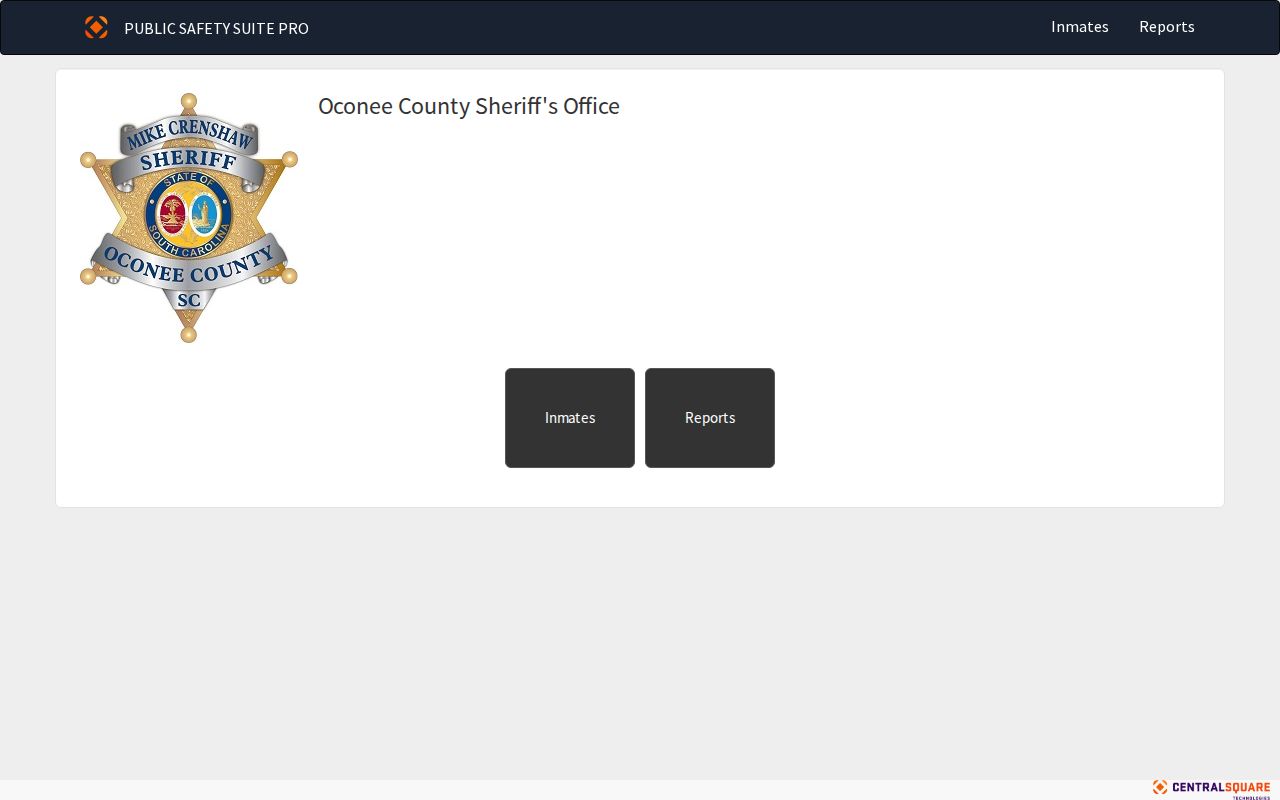 Its scope remains current-inmate and arrest information.
Where Oconee County Warrants Are Checked
The Oconee Clerk of Court maintains Circuit Court, General Sessions, and Family Court files. Magistrate clerks hold county traffic and lower criminal matters. Municipal clerks maintain city cases. OCSO Judicial Services and municipal police can answer service questions within their roles. Contact the court named on the case first.
South Carolina has no public statewide active-warrant database identified in official sources. SLED CATCH costs $25 plus an online convenience fee for a criminal-history report, but expressly excludes wanted-person information. SCDPPPS and SC VINE cover supervision or custody, not every open warrant.
SLED CATCH Cannot Confirm an Oconee County Warrant
SLED CATCH is a criminal-history product, not a wanted-person search. Its official page says wanted-person information is excluded. The same scope caution applies to supervision and custody tools: a database can be official and still answer a different question from whether a local court warrant remains open.
For an uncertain match, use the court name and number, then ask the clerk to confirm whether the order is active, served, returned, or recalled. Keep the information private when making the call.
SLED’s CATCH notice describes its limits. 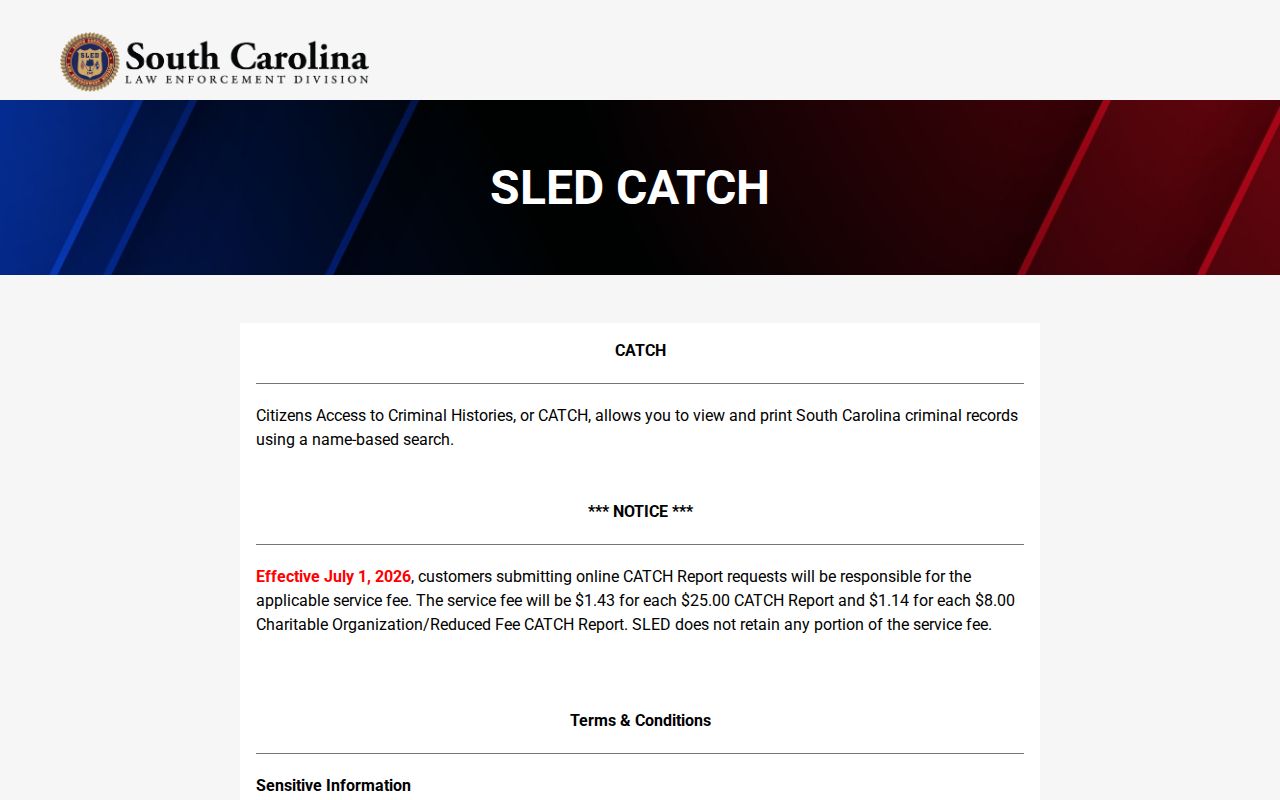 A criminal-history result cannot prove a clear warrant status.
Access and Restricted Warrants
South Carolina FOIA applies to nonexempt public records. Active investigations, sealed material, and juvenile identifying information may be withheld or redacted. Oconee County’s offices do not publish one rule that makes every warrant visible. Ask the record holder for the public status or service portion if a full file is restricted.
Key Rules:
S.C. Code §30-4-40 allows specific exemptions and redactions, including some law-enforcement records.
S.C. Code §63-19-2030 protects information that identifies a child.
A missing online entry can mean another court holds the file or the record is not public; it does not prove no warrant exists.
Oconee County Warrant Requests Need the Right Office
OCSO accepts written FOIA requests and publishes separate decision and production deadlines. Its page lists search, retrieval, redaction, page, and media charges, with a possible deposit. A narrow request should identify the reader’s own case, issuing court, number, and date range. Ask for nonexempt service or status information, not a roster.
The county FOIA page sends sheriff and Clerk requests directly to those offices. Municipal police records belong with the city. A records request may document access, but the issuing court remains the source for a current appearance or recall instruction.
Oconee County’s FOIA routing page explains where each request belongs.