
Traffic Warrants in Oconee County
A traffic citation starts with the court named on it. A missed date may lead to a bench warrant; Walhalla’s court also warns that failure to pay or comply with sentence can bring court consequences. The order comes from the issuing magistrate or municipal court, not from a statewide warrant database.
Oconee has three county magistrate locations and five municipal-court routes. City tickets and county tickets can follow different payment rules, so the citation’s venue matters more than the driver’s home address.
Oconee County Traffic Tickets Start in Different Courts
A county-magistrate citation may go to Walhalla, Seneca, or Westminster Magistrate. A city citation belongs to the municipal court printed on it. Seneca city matters are not the same docket as Seneca Magistrate; Westminster contracts city court service to Oconee Magistrates; Salem and West Union list court contacts through county facilities.
Read the court and municipality before searching. If a ticket was transferred, ask the original court where the case now sits. The state selector is a payment convenience, not proof that every court status is included.
How to Check for a Traffic Warrant
Use the state traffic tool for an eligible citation, then call the issuing court to confirm whether a missed date created a warrant. The state form uses the issuing county or municipality, case or ticket number, and last name. Oconee’s magistrate page and each city court provide separate phone routes. The Seneca PD PDF is only a limited SPD-held list.
- Select Oconee or the municipality that issued the ticket, accept the disclaimer, and enter the case/ticket number and last name.
- Choose “Locate Case”; if eligible, the page may offer “Confirm Payment.” Keep any receipt.
- Call the named magistrate or municipal court about a missed date, bench warrant, or appearance requirement.
- Ask OCSO or city police about service only after the court identifies the warrant and agency.
- If no result appears, call the issuing court; do not read the blank screen as clearance.
Oconee County Ticket Search Uses Exact Fields
The South Carolina guide says the case number and ticket number are the same and should be typed without spaces between letters and numbers. A new citation may take three to five business days to post. If the tool says no records were found, contact the county or municipality that issued the ticket.
The official instructions show the steps and controls. Review the state payment workflow. 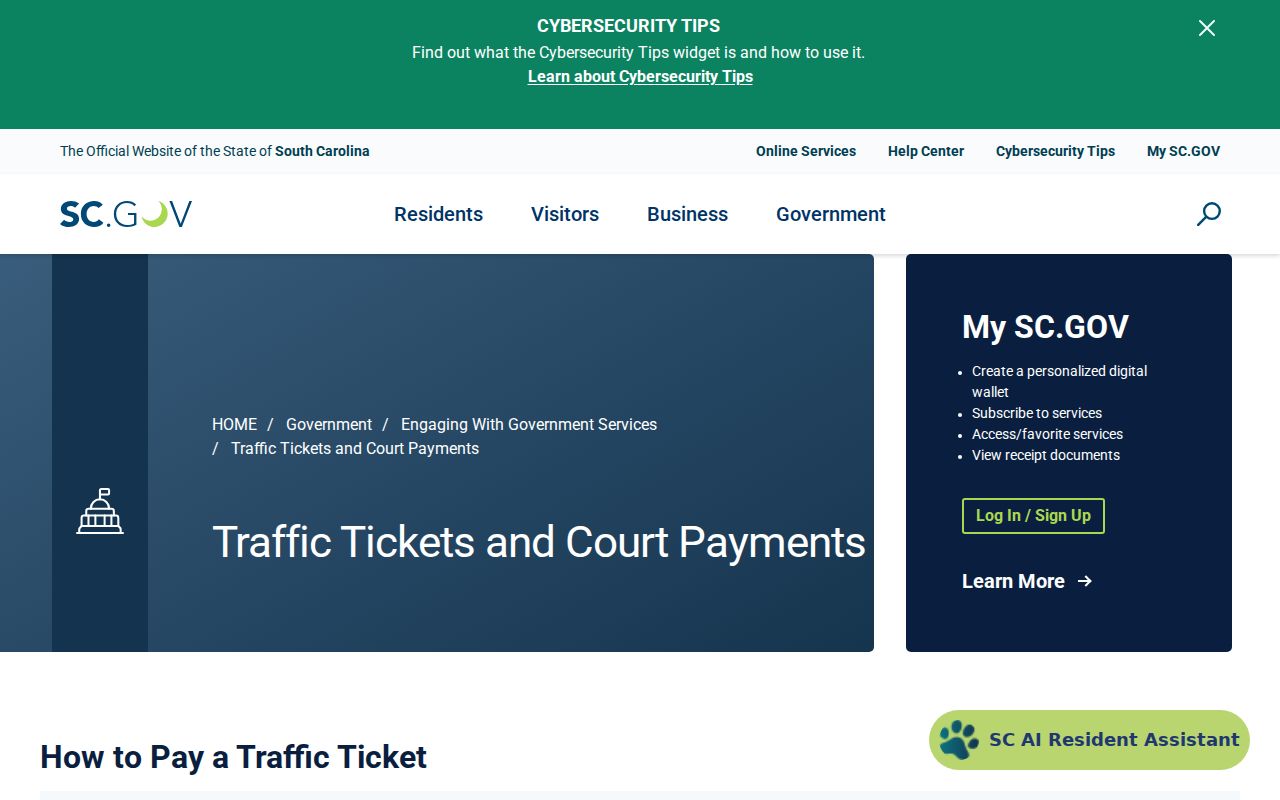 A payment match is not itself a warrant-status confirmation.
The Judicial Branch also provides a traffic-ticket case lookup. Open the official ticket search. 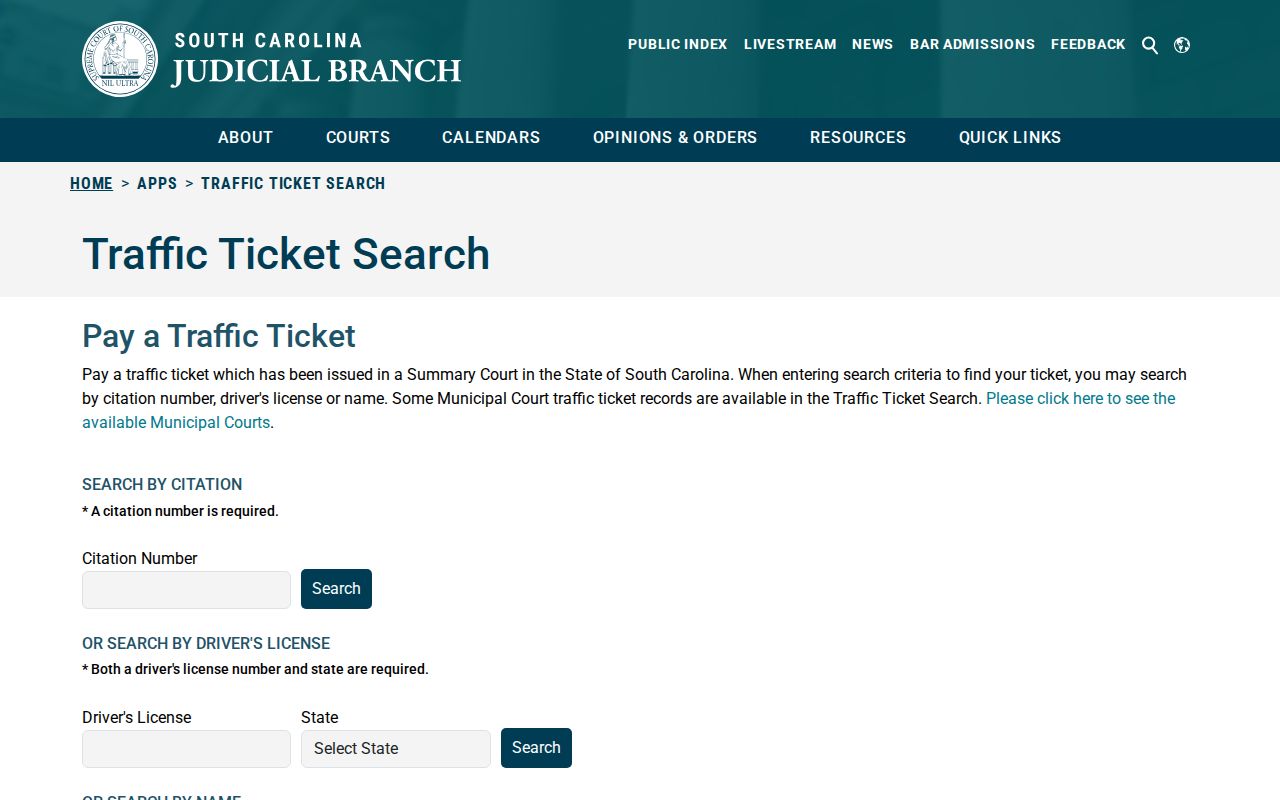 This tool locates ticket cases and is not a statewide active-warrant search.
What an Oconee County Traffic Warrant Shows
The state payment tool locates a citation or case, not a published local warrant schema. A case number is not necessarily a warrant number, and a payment balance does not say whether the court issued or recalled a bench warrant. Ask the clerk to identify the record and its status.
| Case / ticket | Number printed on the citation; SC.gov uses these terms for the same input. |
|---|---|
| Last name | Required with the case/ticket number in the state workflow. |
| Issuing court | County magistrate or named municipal court; verify the venue on the citation. |
| Amount | Payment screen may show a balance; ask whether it is fine, bond, or another obligation. |
| Warrant status | Confirm active, served, recalled, or next appearance with the court. |
Seneca and Walhalla Traffic Payment Rules Differ
Seneca Municipal Court tells missed-date defendants to contact the court immediately. It accepts in-person cash, money order, debit, or credit, and mailed money order or cashier’s check; its page says no phone or online fine payment. The state directory also lists Seneca for online payments, so ask whether that route fits the specific citation.
Walhalla offers online ticket payment and eligible pre-appearance bond payment by cash, money order, or certified check, but says most appearances are in person and continuances are case-by-case. Do not apply one city’s rule to another.
The court page shows Seneca’s missed-date and payment instructions. Open the official Seneca court page. 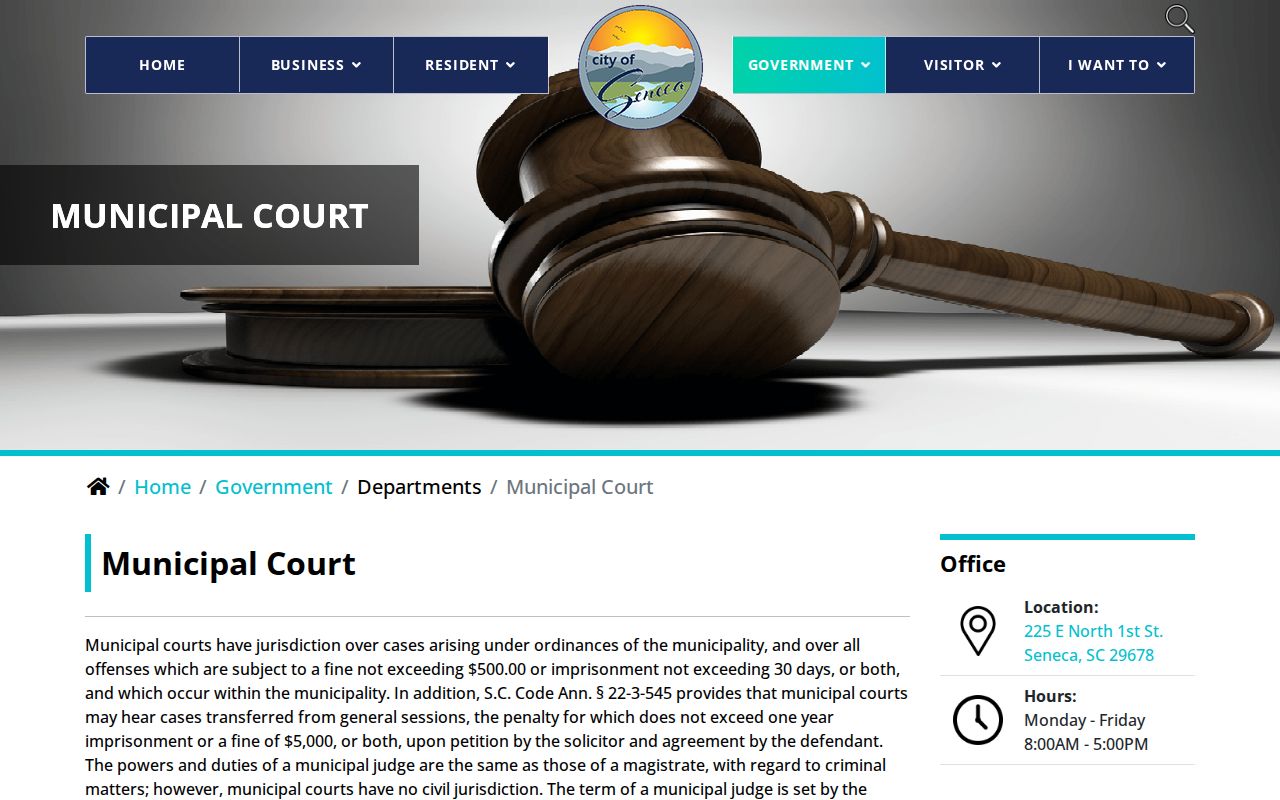 The clerk should confirm which payment channel applies.
Paying or Lifting a Traffic Warrant
Call the issuing court before paying if a warrant may already exist. Ask whether the court allows online payment, requires a personal appearance, or needs a bond or new setting. Oconee publishes no countywide traffic-warrant fee, license-hold charge, or same-day update promise.
- Confirm the court, case number, warrant status, amount, and whether appearance is required.
- Use only the payment method the court approves for that case.
- Save the receipt or order and record any new date or condition.
- Call back to confirm warrant status separately from the balance and citation status.
Warning: A payment screen may settle a balance without confirming recall; ask the issuing court whether a warrant and next appearance remain.
Westminster, West Union, and Salem Need Court Calls
Westminster contracts municipal court service to Oconee Magistrates; traffic court is listed for the second and fourth Tuesday evenings. West Union’s police records page routes traffic questions to 864-647-5998, with the court tied to county facilities. Salem’s directory lists its court at Booker Drive in Walhalla and gives two official phone numbers in the source set. Call before traveling.
These routes show why a county payment portal cannot answer every city warrant question. Use the specific court contact and ask whether the ticket is eligible, whether a warrant issued, and whether payment changes the appearance requirement.
Traffic Warrant vs FTA and License Holds
A missed court date can be the event that leads to a bench warrant. A license consequence is a separate court or SCDMV issue. South Carolina’s public materials did not identify a Texas-style statewide FTA warrant program. Walhalla warns about possible driving-privilege consequences, while Oconee magistrates say they do not monitor license points.
| Mechanism | What Triggers It | What It Does |
|---|---|---|
| Traffic warrant | Judge issues process after a court event | Requires confirmation and action through issuing court |
| FTA | Person misses a required setting | May lead to a bench warrant or new court order |
| License consequence | May follow a court or state reporting process | Ask the court how compliance is reported; no universal Oconee fee was found |
Oconee County Ticket Payment Is Not Warrant Clearance
Keep the case number, issuing venue, date, amount, and receipt. Ask three separate questions: is money still owed, is a warrant active or recalled, and what court date remains? The state tool’s “Confirm Payment” step addresses payment. It does not promise that the judge has recalled a bench warrant or that a service database has updated.
If the portal returns no record, contact the county or city that issued the citation. If OCSO or municipal police hold service data, ask that agency to confirm its return after the court acts.
The Oconee payment interface is linked from the county endpoint. Open the official payment route. 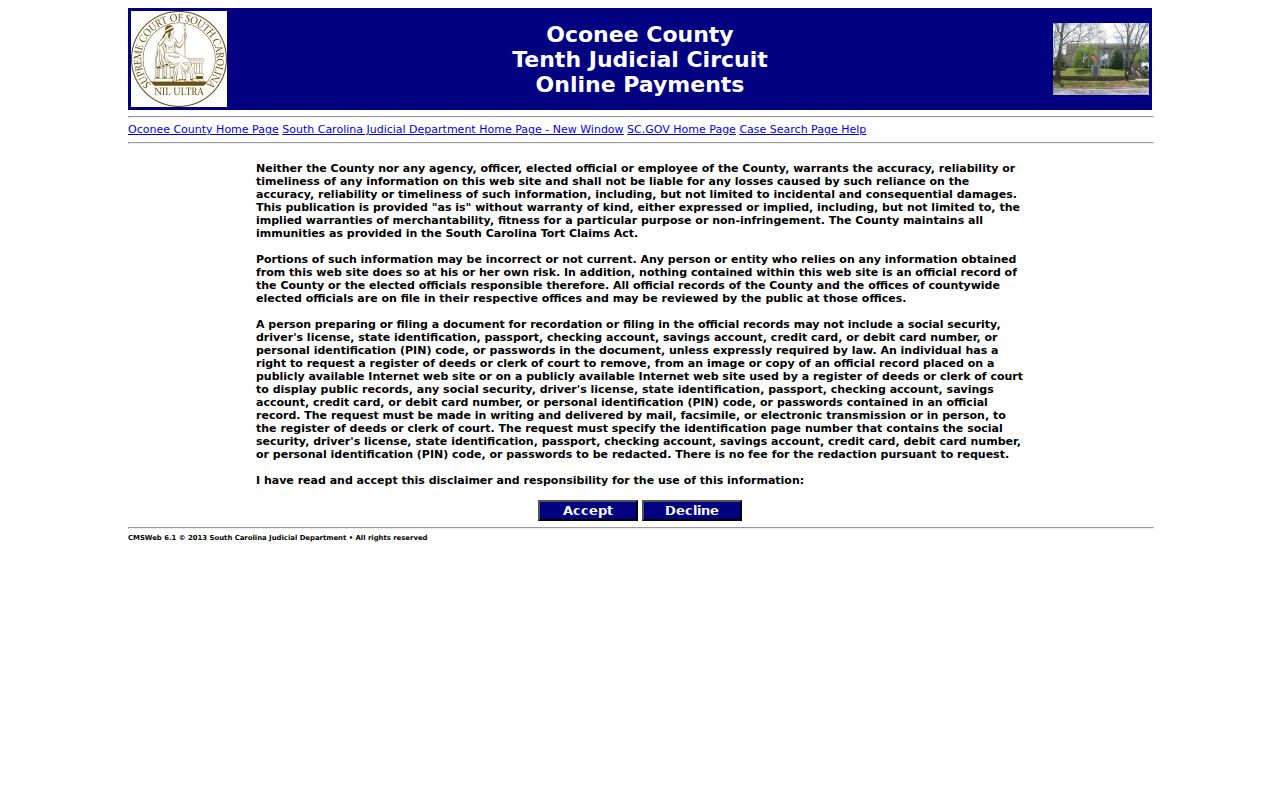 Confirm warrant status with the court, not the payment screen alone.